Author(s): Quantum Education
This guide helps students develop the basic knowledge and skills necessary to manage their personal finances during college and beyond. Topics including personal banking, financial aid, budgeting, credit cards, and taxes are introduced through case studies to help students understand the real-world applications and begin to think critically about the role of these concepts in their own lives.
Author(s): Quantum Education
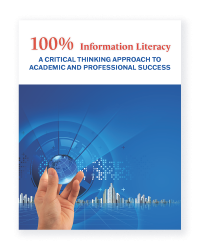
This guide teaches students to develop crucial information skills to succeed in college and the workplace. 100% Information Literacy is designed to actively help you develop skills beyond the classroom, focusing on those skills necessary for twenty-first century learners and workers.
Author(s): Quantum Education
This guide is intended to help students take an organized approach to the process of looking for a job, and alerts them to the latest tools and developments in the job search process. 100% Job Search Success provides practical information on networking, including electronic networking via LinkedIn, Facebook, Twitter, and Google+, as well as traditional networking methods such as career fairs and professional organizations.
Author(s): Quantum Education
This guide promotes student achievement by addressing practical student tasks such as note-taking and reading strategies, while encouraging students to develop skills like critical thinking, goal-setting, time management, and balancing life responsibilities with school-all skills - all skills that will serve them well beyond college.
Author(s): JANET E WALL, THOMAS F. HARRINGTON
The Ability Explorer (AE) ranks a person's strengths in the 12 abilities important in today's workplace. In less than 30 minutes, individuals learn their strongest abilities, plus related careers for developing and using these abilities.
Author(s): JOHN J LIPTAK
Many barriers can prevent individuals from achieving their job search or career goals, yet individuals often struggle to identify what their barriers are and how to overcome them. With the Barriers to Employment Success Inventory, you can quickly and easily identify an individuals’ employment barriers and develop an action plan for overcoming them.
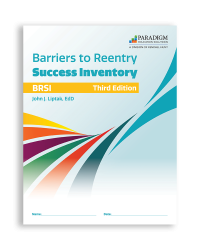
Author(s): Liptak
Returning citizens face many barriers when preparing for their release. With the Barriers to Reentry Success Inventory, you can quickly identify returning citizens' most significant concerns when transitioning back into their communities and the workforce. This tool will also help you support returning citizens in developing an action plan for overcoming their obstacles.
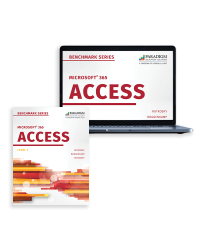
Author(s): Rutkosky, Roggenkamp, Rutkosky
Benchmark Series: Microsoft Access 365 Level 1, is powered by Paradigm’s Cirrus™ 2.0 platform, which provides a complete solution for learning how to use the Access application. Cirrus develops skills and knowledge through a learning pathway that includes a series of training, practice, and assessment activities. Learn more.
Interested in purchasing this courseware?
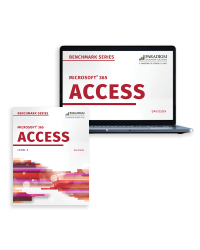
Author(s): Davidson
Benchmark Series: Microsoft Access 365 Level 2, is powered by Paradigm’s Cirrus™ 2.0 platform, which provides a complete solution for learning how to use the Access application. Cirrus develops skills and knowledge through a learning pathway that includes a series of training, practice, and assessment activities. Learn more.
Interested in purchasing this courseware?
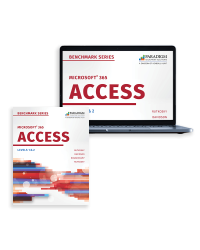
Author(s): Rutkosky, Roggenkamp, Rutkosky, Davidson
Benchmark Series: Microsoft Access 365 Levels 1 & 2, is powered by Paradigm’s Cirrus™ 2.0 platform, which provides a complete solution for learning how to use the Access application. Cirrus develops skills and knowledge through a learning pathway that includes a series of training, practice, and assessment activities. Learn more.
Interested in purchasing this courseware?